
Filing payroll taxes correctly keeps your business running smoothly and keeps the IRS administration happy. If you’re an employer who pays wages regularly, you’re likely familiar with Form 941, the Employer’s Quarterly Federal Tax Return. Understanding Form 941 Schedule B instructions is essential, especially for semiweekly depositors.
In this blog, we’ll provide step-by-step instructions for Form 941 Schedule B, helping you accurately report daily federal income, Social Security, and Medicare tax liabilities withheld from employees.
What Is Form 941 Schedule B?
Form 941 Schedule B is a “Report of Tax Liability for Semiweekly Schedule Depositors.” It must be filed with your quarterly Form 941 when you are a semiweekly depositor. The IRS instructions say Schedule B lists your “tax liability for each day” based on the dates wages were paid
- Federal income tax withheld from employees
- The employee and employer must share Social Security and Medicare taxes.
- The additional Medicare tax on wages over $200,000
According to IRS.gov, don’t use Schedule B to show your deposit amounts; the IRS receives deposit data separately (e.g. via EFTPS)
Why the IRS Requires Schedule B
Schedule B tax reporting exists to prevent deposit penalties, but don’t think the IRS is trying to make your life tough. According to the IRS, the agencies that use this Schedule B Form just to determine if you have deposited the federal employment tax liabilities correctly. If you don’t do the deposit or without a properly completed Schedule B form 941, the IRS may calculate an “averaged” failure-to-deposit (FTD) penalty even if you paid on time
Who Must File the Schedule B Form
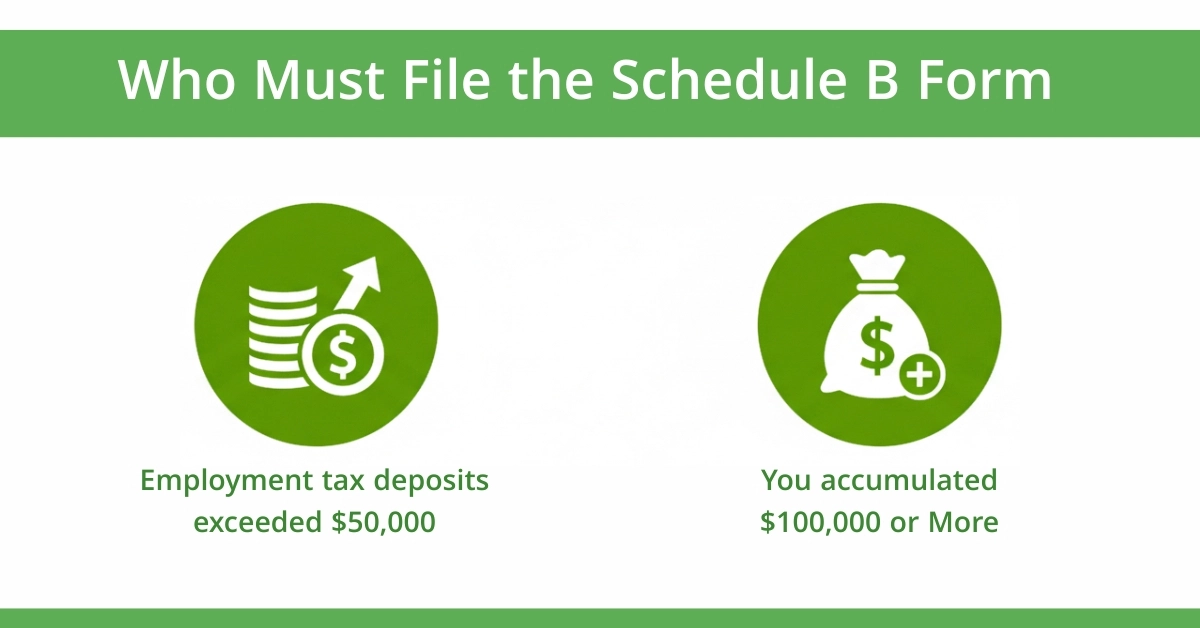
You must file Schedule B for 941 if you’re a 941 semiweekly schedule depositor. You’re in this category if:
- Your total employment tax deposits exceeded $50,000 during the lookback period.
- You accumulated $100,000 or more in tax liability on any single day in the current or prior calendar year
Narrow Expectations:
If your total liability on Form 941, line 12, is less than $2,500 for the quarter, you don’t need Schedule B unless you’re a semiweekly depositor.
When and How to Report: Deposits vs. Liability
- Reporting liability (Schedule B): On Schedule B, you enter the amount of tax liability on the date wages are paid. Use the numbered line for that date in the correct month of the quarter.
- Depositing taxes: Your duties as a semiweekly depositor relate to when you deposit those taxes, generally due by either the following Wednesday to Friday, depending on the day wages were paid (see “deposit schedule” under Publication 15 (Circular E), Section 11)
- Total match requirement: The “Total liability for quarter” on Schedule B must equal the total taxes on Form 941, line 12. If they don’t match, the IRS may treat deposits as late or incomplete.
Step-by-Step Filing Guide for Form 941 Schedule B
By following these steps, you can fill out Form 941 Schedule B accurately. Here is the Line-by-Line Instructions for you that write with proper insights from AcctRight Financial Experts.
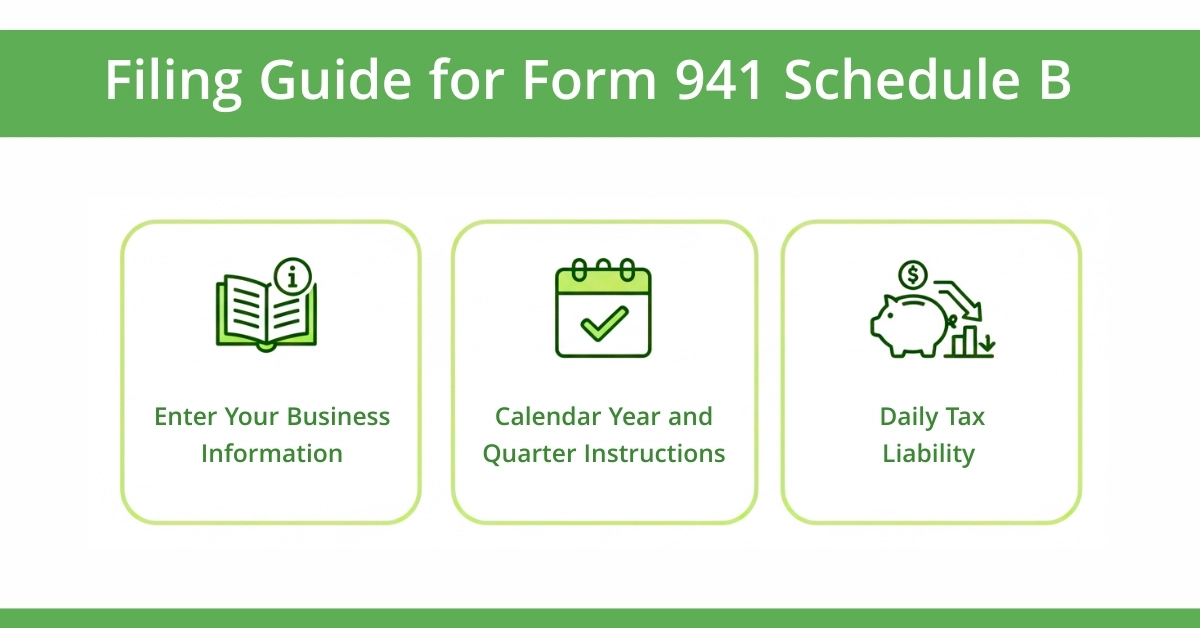
1. Enter Your Business Information:
- First, you enter the name, Employer Identification Number (EIN) and business name at the top of Form 941 Schedule B
- These things must match what appears on your Form 941. Even a small difference can cause IRS processing delays
2. Calendar Year and Quarter:
- Enter the calendar year and check the proper quarter box, is it 1, 2, 1,2,3, or 4.
- Ensure this matches your employer’s quarterly federal tax return quarter selection.
3. Daily Tax Liability:
- This is the important part of the Form 941 Schedule B.
- The form provides 31 numbered spaces for each month of the quarter.
- You enter your tax liability on the date wages were PAID, not when you made deposits or accrued payroll.
What AcctRight Expert Says:
Do not reduce daily liability by any credits, such as the research tax credit or COVID-related credits. IRS instructions clearly state that Schedule B must show the full liability, not the deposit for each payday, before applying any credits.
How to Report Daily Tax Liability
Biweekly Pay Cycle:
If your payroll is every other Friday, you would enter the liability on Schedule B on the actual dates wages are paid.
- Month 1 (April): Lines 4 and 18
- Month 2 (May): Lines 2, 16, and 30
- Month 3 (June): Lines 13 and 27
Monthly Payroll with Bonus:
A construction company pays monthly on the last day of each month, but issues a $150,000 bonus payroll on December 24, 2025.
- Month 1 (October): Line 31
- Month 2 (November): Line 30
- Month 3 (December): Lines 24 (bonus) and 31 (regular payroll)
The December 24 bonus triggers the $100,000 next-day deposit rule, requiring deposit by December 26.
Mid-Quarter Status Change:
A startup becomes a semiweekly depositor on April 26 after accumulating $110,000 liability on April 25. They must file Schedule B for paydays in April, May, and June, even though they were monthly for most of April.
If you want to read more about the IRS Form 941 instructions, you can get complete information about IRS Form 941 instructions, including filing, deadlines, and amendments, here.
Common Calculation Mistakes
- Reporting on accrual date, not payday: This is the #1 error. If your pay period ends on Friday but you pay the following Wednesday, report liability on Wednesday.
- Mismatched totals: Your Schedule B total must equal Form 941, line 12. Reconcile these before filing.
- Negative entries: Daily liability can never be below zero. If credits exceed liability for a day, report zero and carry forward unused credits.
- Forgetting the $100,000 rule: Many businesses don’t realize they’ve triggered next-day deposit requirements, leading to automatic penalties.
How Schedule B vs Form 941 Work Together
What You Report on Form 941
Your 941 employer’s quarterly federal tax return reports totals for the quarter:
- Total wages paid
- Federal income tax withheld
- Social Security and Medicare taxes (employer + employee shares)
- Total tax liability (line 12)
- Total deposits made
What You Report on Schedule B
IRS Schedule B 941 shows the timing of when that liability was incurred. It’s a detailed diary of your payroll tax obligations throughout the quarter.
Matching Liabilities with Deposits
The IRS cross-references your IRS Schedule B Form 941 with their Electronic Federal Tax Payment System (EFTPS) records. If you reported a $15,000 liability on April 4 but didn’t deposit until April 11, the IRS will calculate a penalty for the late deposit.
This is why schedule B for 941 accuracy is non-negotiable. Our Business Tax Preparation services at Acct. Right, PLLC includes quarterly reconciliation to ensure your deposits and Schedule B align perfectly, protecting Dallas businesses from costly penalties.
How to Avoid IRS Penalties When Filing Schedule B
Failure-to-Deposit (FTD) Penalty Prevention
The IRS charges FTD penalties based on how late your deposit is:
- 1-5 days late: 2% penalty
- 6-15 days late: 5% penalty
- 16+ days late: 10% penalty
- After IRS notice: 15% penalty
However, if you don’t file Schedule B Form 941 or file it incorrectly, the IRS uses an “averaged” penalty calculation, spreading your total quarterly tax evenly across all days. This often results in higher penalties than if you’d reported correctly, even with late deposits.
Conclusion:
If you’re a semiweekly depositor or you might become one (e.g., because of a large payroll or end-of-quarter bonus) Schedule B isn’t optional: it’s a requirement. And mistakes on Schedule B (or neglecting it altogether) can trigger steep failure to deposit penalties.
Take the time to fill out Schedule B carefully, match your liability to your deposits, and follow each payday’s liability back to when you actually paid wages. Using this guide along with IRS instructions greatly reduces your risk of IRS error notices or penalties.
Disclaimer:
Information here is provided for general purposes and is not professional tax or legal advice. Consult a qualified tax advisor or the IRS for guidance specific to your situation. Some images in this blog have been created using AI tools for illustrative purposes.
Frequently Asked Questions
What happens if I’m a monthly depositor and hit $100,000 in tax liability in one day?
Hitting $100,000 triggers the Next Day Deposit Rule. You instantly become a semiweekly depositor and must file Schedule B for that quarter.
Do I report deposits or tax liability on Schedule B?
You report only the daily tax liability. Schedule B shows when you owed the tax, not when you deposited it.
Can I e-file Form 941 with Schedule B?
Yes. When you e-file Form 941 as a semiweekly depositor, but your tax software must include Schedule B. It is not automatically generated by the IRS system.
Can I fix a mistake on Schedule B?
Yes. File an amended Schedule B if liability dates are incorrect. Use Form 941-X if corrections affect total tax reported on Form 941 for the quarter.
How do payroll tax credits affect Schedule B?
Daily tax liability on Schedule B reflects total taxes owed before credits. Apply payroll tax credits on Form 941; credits don’t reduce Schedule B entries directly.